Comparison
CookieYes alternative that measures your consent rate
Short answer
Limes shows your consent rate on every plan and tests two banner variants from Professional. CookieYes is a cookie consent tool with a WordPress plugin and a hosted web app. Limes also offers a banner, a cookie scanner and Google Consent Mode v2, but bills on sessions and domains rather than pageviews, stores all consent records in Frankfurt with a SHA-256 hash per record. It is a good alternative for EU businesses that want predictable costs and a banner that is checked for balance before it goes live.
- Consent rate and A/B tests
- Rate on every plan, A/B tests from Professional
- Proof storage
- Frankfurt (eu-central-1)
- Pricing basis
- Sessions + domains
- Free plan
- 1 domain, 2,500 sessions/mo
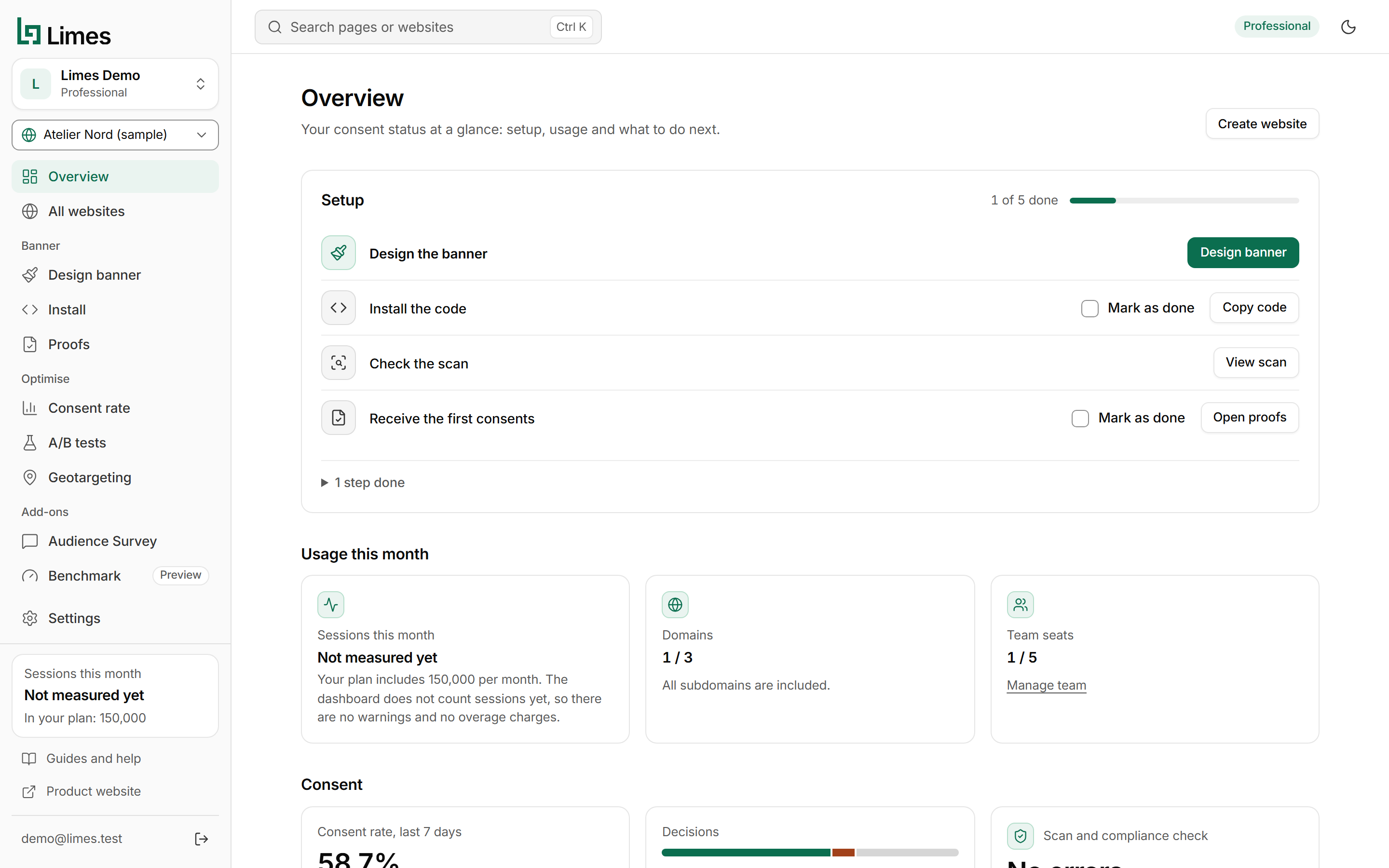
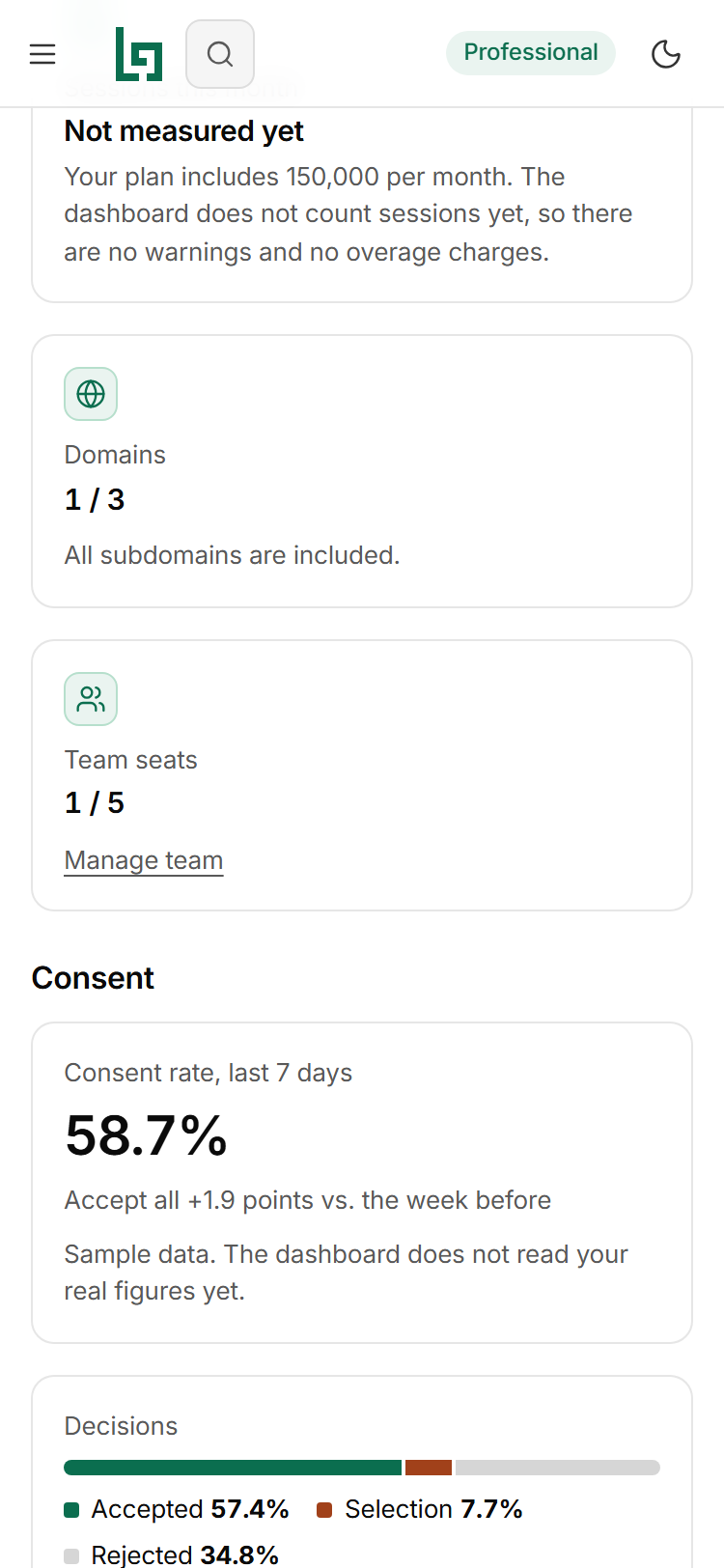
CookieYes and Limes at a glance
Both tools are easy to install and suitable for small and mid-sized websites. The main differences are the billing metric, data location and how strictly the banner design is enforced.
| Criterion | Limes | CookieYes |
|---|---|---|
| Consent rate and A/B tests | Overall rate on every plan, breakdown and A/B tests from Professional | Check the feature list |
| Pricing basis | Monthly sessions + domains, one pooled allowance. Free: 1 domain, 2,500 sessions | Per domain with monthly pageview limits per plan; check current limits |
| Consent data hosting | Proofs and workspace data in Frankfurt (EU), script through Amazon CloudFront | Check the data processing agreement and subprocessor list |
| Consent proofs | SHA-256 sealed, kept 1 to 10 years depending on the plan, CSV export from Starter | Consent log with export; check retention per plan |
| Banner design rules | Accept and Reject at equal size, contrast checked before every publish | Configurable; balance depends on your configuration |
| Google Consent Mode v2 | Every plan. Google Tag Manager loads after consent by default | Supported |
| Agencies | Agency plan: 50 domains and 2,500,000 sessions in one pool. Client workspaces and white label follow | Multi-site and agency options; check current terms |
Sessions vs. pageviews
A pageview-based limit counts every page a visitor opens, so engaged visitors who browse ten pages cost ten times as much as a bounce. A session counts the visit once, no matter how many pages it includes. For content sites and shops with deep browsing, sessions are usually the more stable metric.
Limes pools sessions across all domains in your plan and keeps the banner live if you exceed your allowance, billing €1 to €3 per additional 10,000 sessions on paid plans.
Proof of consent you can rely on
Each Limes consent record contains the timestamp, the banner version with the hash of the banner text shown, the choice and a SHA-256 hash of its content. Free keeps proofs for 1 year, Starter and Professional for 3 years, Business for 6 years and Agency for 10 years. From Starter you can export them as CSV. They are stored in Frankfurt.
How to switch from CookieYes to Limes
Plan the switch as one deployment so that visitors never see two banners at once.
-
Scan your site
Run a Limes scan of your live site to inventory every script and cookie that is currently set.
-
Build the banner
Create your banner in the Limes editor, add the services you actually use and publish once the built-in compliance check is green.
-
Remove CookieYes
Remove the CookieYes script (or deactivate the CookieYes WordPress plugin) and clear your cache.
-
Add the Limes script
Add the Limes script as the first script in the <head>, above Google Tag Manager, GA4 or ad pixels.
-
Point Tag Manager at Limes
If you use Google Tag Manager, point your triggers at the Limes event cookie_consent_update. Limes loads the container only after consent by default.
-
Test in a private window
Test in a private window: no analytics or marketing cookies before a choice, the reject button works, and the footer link reopens the settings.
Consents collected by CookieYes cannot be carried over: they belong to a different banner text and vendor list, so visitors are asked once more. Export your old consent log and keep it for as long as you need to be able to demonstrate past consent.
Frequently asked questions
Is Limes free like CookieYes' free plan?
Limes has a permanent Free plan for 1 domain and 2,500 sessions a month with a "Powered by Limes" badge. Starter (€12/month) removes the badge.
Does Limes have a WordPress plugin?
Limes is installed with one script tag, which you can add on WordPress with a header plugin such as WPCode or your theme's custom code field. There is no heavy plugin to maintain.
Does Limes support the US (CCPA/CPRA) as well?
Limes honours the Global Privacy Control signal in all plans and supports geotargeted banner rules from Professional. Check your US obligations with your legal adviser.
How long does switching take?
The switch has four steps: scan, build the banner, swap the script and test in a private window. How long it takes depends on how many services you use.
Related pages
Try Limes on your own site
Free for one domain, no payment details. Upgrade when you need your own branding or more domains.