Comparison
Borlabs Cookie alternative for WordPress and every other site
Short answer
Limes shows your consent rate on every plan and tests two banner variants from Professional. Borlabs Cookie is a popular WordPress plugin: it runs inside your WordPress installation and stores consent data in your own database. Limes is a hosted consent platform that you add with one script tag, so the same banner, scanner and consent proofs work on WordPress, Shopify, Webflow and custom sites. It is a good alternative if you manage several platforms, want proofs outside your WordPress database, or want to keep plugin load off your server.
- Consent rate and A/B tests
- Rate on every plan, A/B tests from Professional
- Proof storage
- Frankfurt, SHA-256 per record
- Platforms
- Any website
- Install
- One script tag
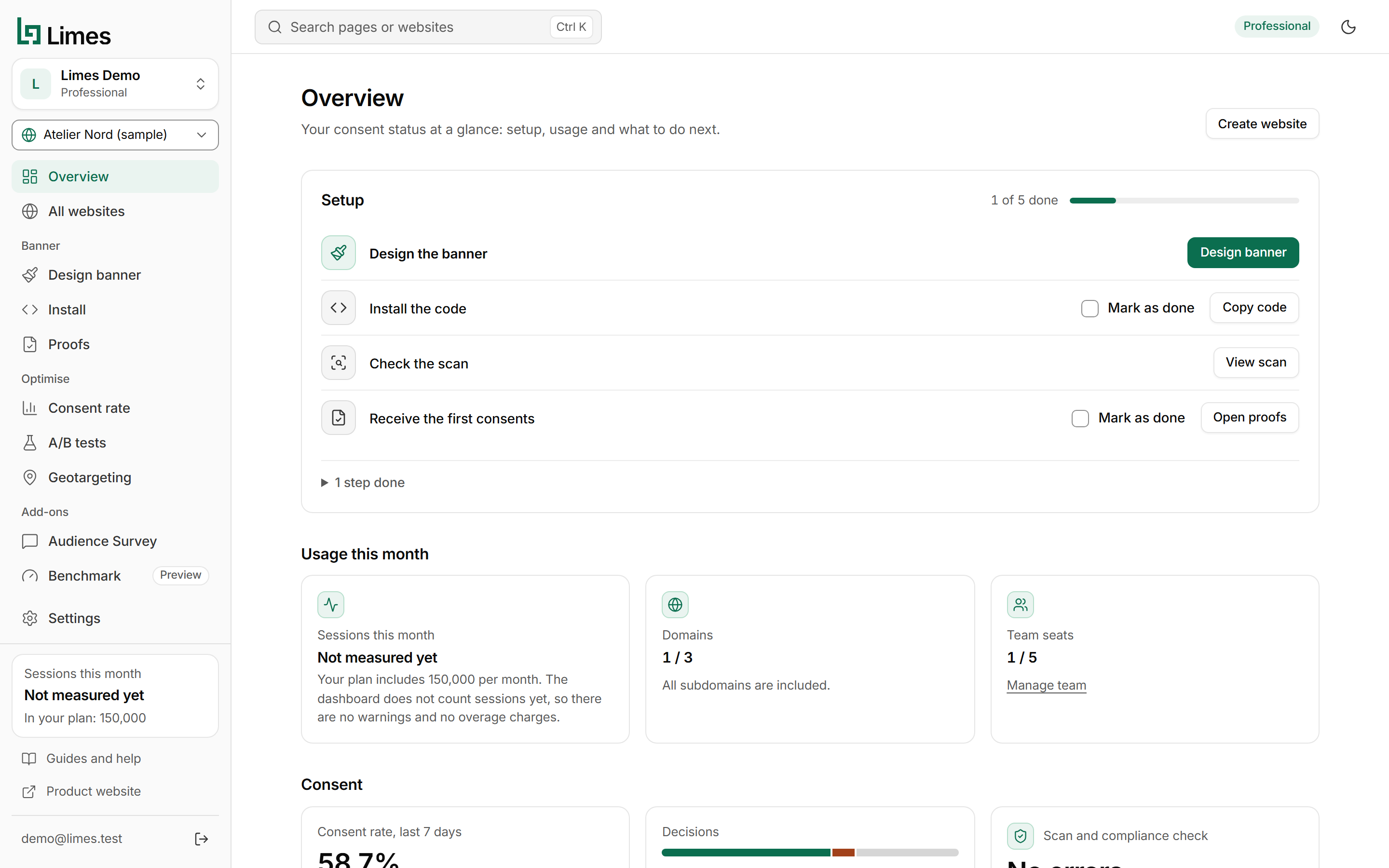
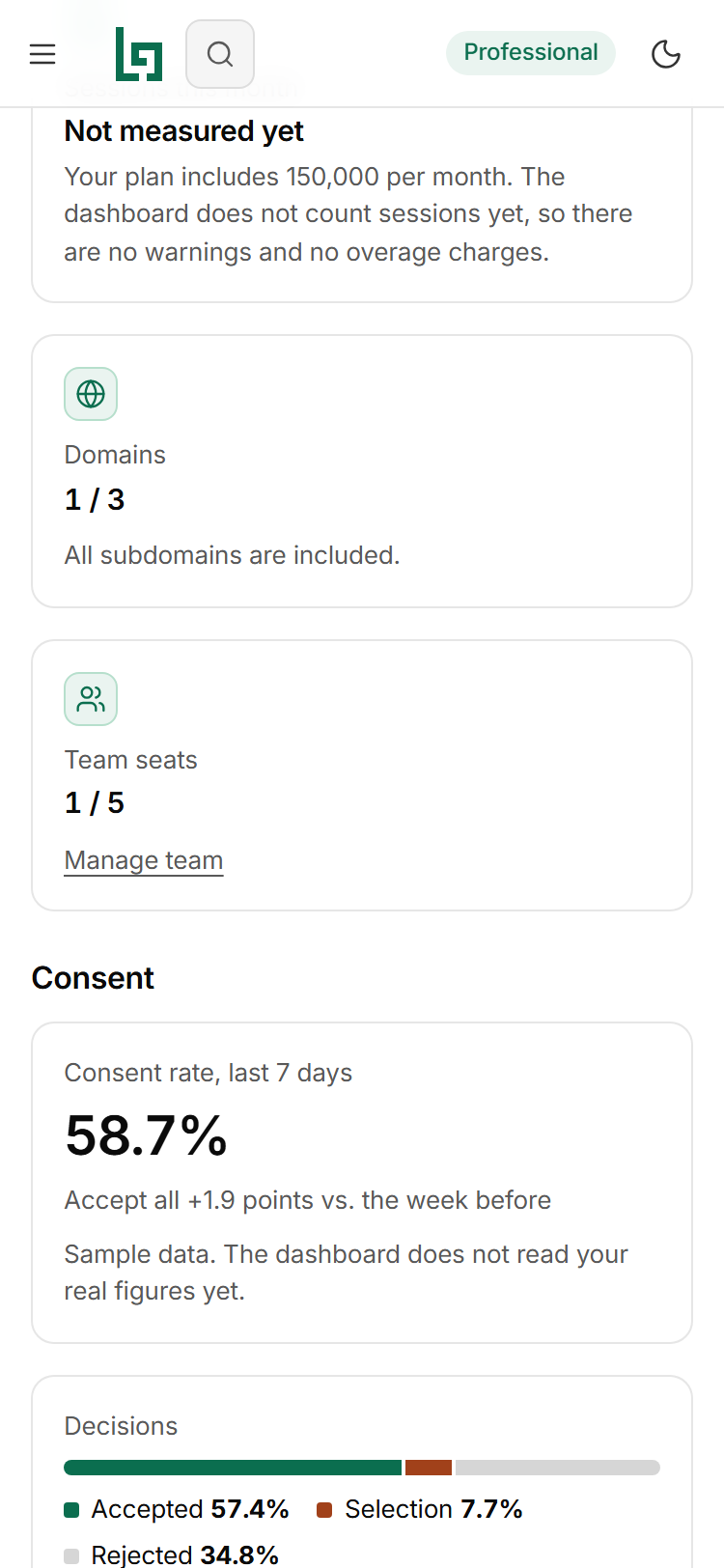
Borlabs Cookie and Limes at a glance
Both approaches are legitimate. A self-hosted plugin keeps everything in WordPress; a hosted CMP keeps consent infrastructure separate from your site. The differences below follow from that architecture.
| Criterion | Limes | Borlabs Cookie |
|---|---|---|
| Architecture | Hosted CMP, loaded via one script tag | WordPress plugin running in your installation |
| Platforms | Any website: one script tag (WordPress, Shopify, Webflow, Wix, custom) | WordPress only |
| Consent rate and A/B tests | Overall rate on every plan, breakdown and A/B tests from Professional | Check the feature list |
| Pricing basis | Monthly sessions + domains, one pooled allowance. Free: 1 domain, 2,500 sessions | Annual licence by number of WordPress sites; check current licence tiers |
| Consent log storage | Frankfurt (EU), SHA-256 hash per record, exportable | Your WordPress database |
| Cookie scanning | Scheduled scans in a real browser, monthly to daily depending on the plan, drift alerts from Professional | Check current plugin features |
| Updates | Banner and service templates update centrally | Plugin and package updates in each WordPress install |
| Google Consent Mode v2 | Every plan. Google Tag Manager loads after consent by default | Supported |
Why teams move from a plugin to a hosted CMP
Consent becomes a cross-platform problem as soon as a business runs more than WordPress, for example a Shopify store or a Webflow landing page. A hosted CMP gives all of them the same banner, the same consent categories and one place for proofs.
Keeping proofs outside WordPress also helps when a site is migrated, restored from a backup or rebuilt: consent records do not depend on the database of the site they belong to.
- The banner is served as a static script, so it adds no PHP execution or database queries.
- One dashboard for all domains, with seats for your team or your clients.
- Cross-domain consent (from Professional) if several of your domains share visitors.
How to switch from Borlabs Cookie to Limes
Plan the switch as one deployment so that visitors never see two banners at once.
-
Scan your site
Run a Limes scan of your live site to inventory every script and cookie that is currently set.
-
Build the banner
Create your banner in the Limes editor, add the services you actually use and publish once the built-in compliance check is green.
-
Remove Borlabs Cookie
Deactivate Borlabs Cookie under Plugins and clear your page cache so its banner and blocked-content placeholders are no longer delivered.
-
Add the Limes script
Add the Limes script as the first script in the <head>, above Google Tag Manager, GA4 or ad pixels.
-
Point Tag Manager at Limes
If you use Google Tag Manager, point your triggers at the Limes event cookie_consent_update. Limes loads the container only after consent by default.
-
Test in a private window
Test in a private window: no analytics or marketing cookies before a choice, the reject button works, and the footer link reopens the settings.
Consents collected by Borlabs Cookie cannot be carried over: they belong to a different banner text and vendor list, so visitors are asked once more. Export your old consent log and keep it for as long as you need to be able to demonstrate past consent.
When Borlabs Cookie may be the better fit
If you run a single WordPress site, prefer that no external service is involved at all and are comfortable maintaining plugin updates yourself, a self-hosted plugin is a reasonable choice.
Frequently asked questions
Does Limes work with WordPress and WooCommerce?
Yes. Add the script with a header plugin such as WPCode or your theme's custom code setting. Essential WooCommerce cookies for cart and checkout keep working. Google tags receive Consent Mode signals from Limes. Other analytics and marketing scripts wait for consent when you mark them with data-limes-category or load them through Google Tag Manager.
Will removing Borlabs Cookie break my embedded videos or maps?
Yes, after a small markup change. Write data-src instead of src on the iframe and add data-limes-category="marketing". Until the visitor consents, Limes shows a placeholder in its place whose button grants only that category. Then test the pages that contain embeds.
Can I keep my Borlabs consent history?
Export it before you uninstall the plugin and keep the export as long as you may need to demonstrate past consent. Limes starts a new consent history with the new banner.
Is a hosted CMP slower than a plugin?
Not necessarily. Limes is a single precompiled script loaded from a CDN-friendly endpoint and does not add any server-side work to WordPress.
Related pages
One banner for WordPress and everything else
Start free on one domain and add more sites when you need them.